


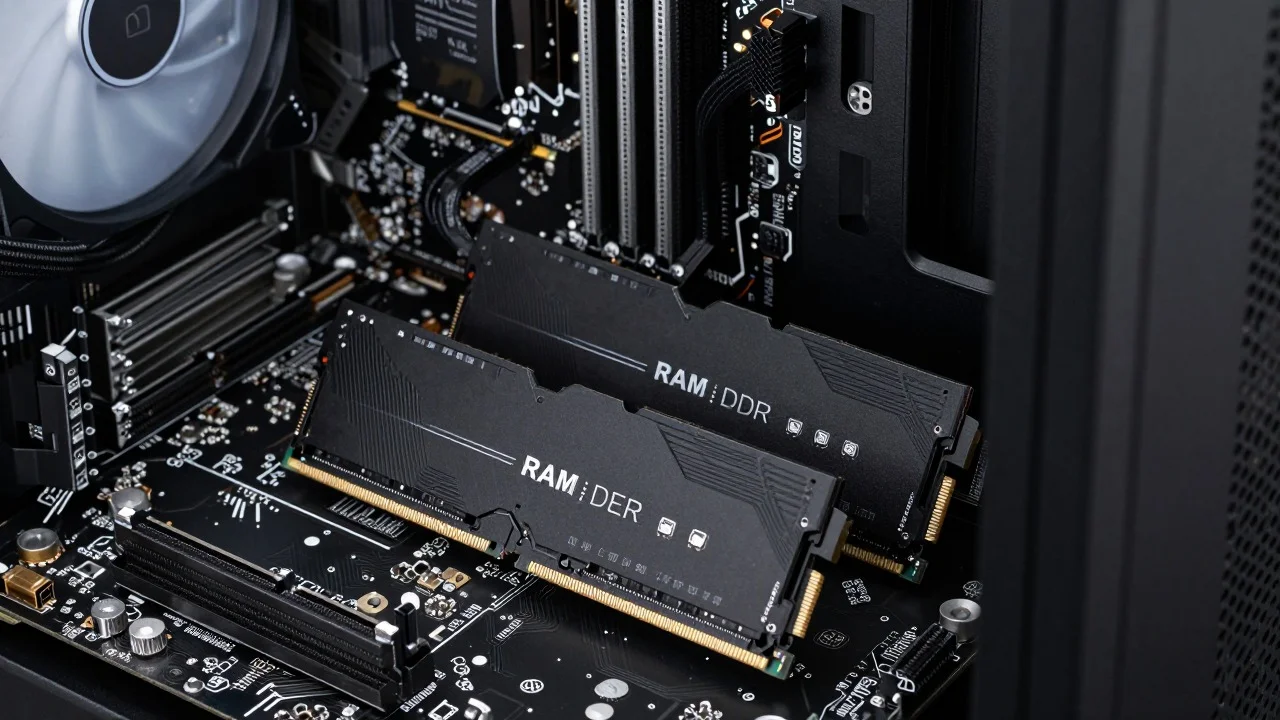
If you’re choosing memory for a modern PC, RAM DDR5 is the newer generation designed for higher transfer rates, improved efficiency, and newer processor platforms. It can be a smart choice for a fresh build, but it isn’t a simple replacement for older memory. Compatibility comes first.
Direct answer: DDR5 is the fifth generation of double-data-rate system memory. It starts at higher standard transfer rates than DDR4, runs at a lower nominal voltage, and moves power management onto the module. You need a compatible processor and motherboard because it cannot be installed in a DDR4-only slot.
| Key point | What you need to know |
|---|---|
| Starting standard speed | 4800 MT/s |
| Nominal voltage | 1.1V |
| Older-generation comparison | DDR4 tops out at 3200 MT/s at standard speeds |
| Backward compatible? | No |
| Intel performance profiles | XMP 3.0 |
| AMD performance profiles | EXPO on supported AM5 systems |
| First buying check | CPU and motherboard memory support |
| Second buying check | Capacity, rated speed, timings, and validated kits |
Kingston lists 4800 MT/s as the starting transfer rate for the newer generation, compared with 3200 MT/s for DDR4. It also lists 1.1V operation versus 1.2V for equivalent DDR4 components.
Key Takeaways
- Check compatibility before speed. The motherboard and processor determine which memory generation and speeds you can use.
- Capacity usually matters more than extreme frequency. Having enough memory for your workload prevents slowdowns that a small speed increase cannot fix.
- XMP and EXPO are performance profiles. They can run compatible kits above their standard settings and must be supported by the platform.
- Don’t buy based on one number. Capacity, transfer rate, CAS latency, motherboard support, and kit configuration all affect the decision.
For more component-focused coverage, keep SciTechWiz’s RAM section and broader hardware guides bookmarked as you plan upgrades.
What DDR5 Changes Compared With Older Memory
The most obvious change is the transfer rate. Kingston states that the standard starts at 4800 MT/s, giving it a higher baseline than DDR4’s 3200 MT/s ceiling at standard speeds. Faster kits can go much further when a processor and motherboard support them. Power delivery has also changed. The newer modules use an onboard power management integrated circuit, or PMIC.
Kingston says this design helps regulate power for components on the memory module rather than handling power in the same way as earlier generations. The architecture also divides each module into two independently addressable 32-bit subchannels. The total data width remains 64 bits, but the split can improve memory-controller efficiency.
DDR4 vs DDR5: The Differences That Matter to Buyers
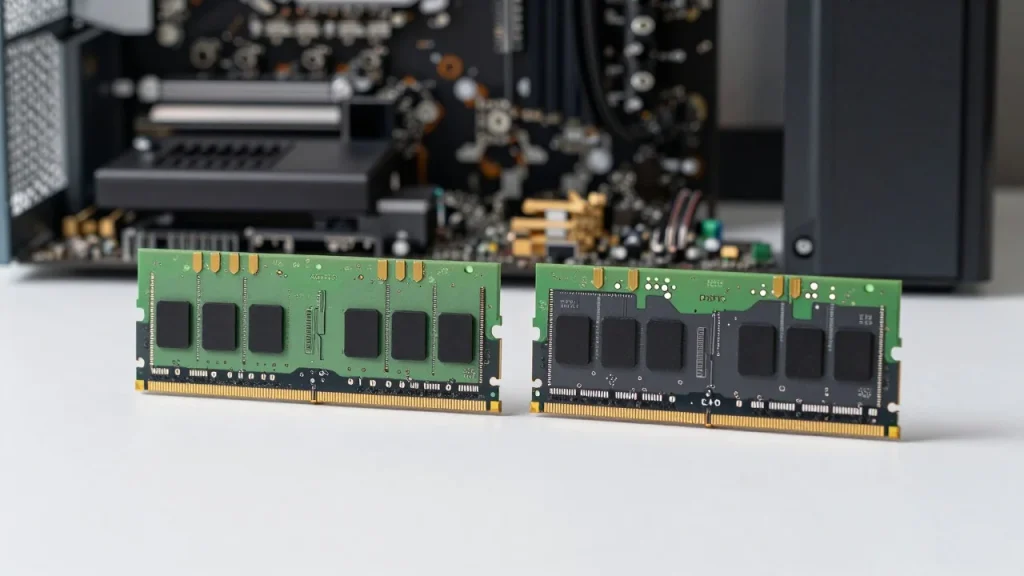
| Feature | DDR4 | Newer generation |
| Standard transfer-rate range starts | Lower | 4800 MT/s |
| Nominal voltage | 1.2V | 1.1V |
| Module power management | Earlier design | On-module PMIC |
| Physical compatibility | DDR4 slots | Newer-generation slots only |
| Intel profile generation | XMP 2.0 | XMP 3.0 |
| AMD AM5 profile option | Not applicable | EXPO |
The compatibility row deserves the most attention. DDR5 is not backward compatible with DDR4 motherboards. Corsair confirms that the pin layout and keying differ, which prevents installation in a DDR4-only board. That means an upgrade can involve more than buying new memory. If your current motherboard accepts only the older standard, moving to a newer generation may also require a different board and possibly a different processor. For the full picture, read Laser Engraver.
Before ordering parts, compare your board’s specifications with the manufacturer’s supported-memory information. SciTechWiz’s PC build section is also a useful starting point when the memory purchase is part of a larger system change.
How to Choose RAM DDR5 Without Paying for Specs You Cannot Use
Start with the processor and motherboard, not with a memory kit you saw on sale. Look up the motherboard’s supported memory type, maximum capacity, supported transfer rates, number of slots, and qualified memory information.
Next, decide how much capacity your work requires. A machine used for browsing and office applications has different demands from one handling large creative projects, virtual machines, development tools, or heavy multitasking. Buy enough capacity before paying a premium for the highest advertised transfer rate.
Then compare frequency and timings. Retail listings often describe memory speed in “MHz,” but manufacturers increasingly state the effective data rate in MT/s, or megatransfers per second. When comparing similar kits, consider the transfer rate and CAS latency together rather than judging either figure alone.
A lower CL number does not automatically make one kit faster than another. CAS latency represents clock cycles, so the actual delay also depends on the operating rate. Two kits with different speeds and timings need to be compared as combinations.
XMP and EXPO Are Useful, but They Are Still Overclocking Profiles
Intel says XMP can run compatible DDR4 or DDR5 memory above standard settings through preconfigured profiles. XMP 3.0 was designed specifically for the newer memory generation. Intel also advises confirming motherboard and module compatibility. AMD describes EXPO as an easy memory-overclocking system created for Ryzen processors on Socket AM5. Its compatibility database identifies kits that have been tested for rated speed and latency on supported systems.
A kit advertised at a high rated speed may therefore start at safer default settings until its profile is enabled. Stability still depends on the processor’s memory controller, motherboard, firmware, module configuration, and selected settings.
A Compatibility-First Buying Check
Use four checks before spending money.
| Check | Question to answer | Why it matters |
| Platform | Do the CPU and board support this memory generation? | Wrong-generation modules will not fit or operate |
| Capacity | Is there enough memory for your workload? | Capacity shortages create bigger problems than small speed differences |
| Rated settings | Does the board support the kit’s intended rate and profile? | Advertised settings are not guaranteed on every system |
| Kit validation | Is the kit listed by the motherboard or platform vendor? | Tested combinations reduce uncertainty |
This order prevents a common buying mistake: choosing the fastest kit first and checking the platform later.
For AMD systems, the company maintains a tested-memory compatibility list covering EXPO and compatible XMP kits. Intel also maintains certified XMP memory information. Those lists are more useful than assuming two products will work together because their marketing specifications look similar.
Is Newer Memory Worth It for a New PC?
For a new system built on a platform that requires the newer standard, the choice is straightforward because the motherboard determines the memory type. AMD’s AM5 platform, for example, supports high-speed DDR memory and EXPO profiles. The decision is different when you already own a stable DDR4 system. Memory alone cannot bridge the compatibility gap. A generation change can require both a new motherboard and processor, so the performance benefit must justify the broader upgrade.
That is why “faster memory” is not always the best first upgrade. Check whether your current workload is limited by memory capacity, processor performance, graphics performance, or storage before replacing several components.
Choose Compatibility Before Maximum Speed
The safest buying order is simple: platform first, capacity second, speed and timings third. That approach prevents expensive compatibility mistakes and keeps the purchase tied to real performance needs.
Start by checking your exact motherboard and processor model. Then compare validated kits and decide how much capacity your applications need. If you are planning a larger upgrade, review SciTechWiz’s PC-building and hardware sections before ordering the rest of the components.
Frequently Asked Questions
Yes, for a new build whose processor and motherboard support or require it. For an existing DDR4 computer, compare the cost of the full platform change with the performance problem you are trying to solve. The newer memory cannot be installed in a DDR4-only motherboard.
No. The physical keying and electrical design are different. Kingston and Corsair both state that the generations are incompatible with older slots.
Not automatically. The processor, motherboard, memory controller, timings, capacity, and workload all matter. A high advertised rate that your system cannot run reliably provides no useful advantage.
Match the kit to your platform where possible. XMP is Intel’s memory-profile system, while EXPO was created for AMD Ryzen processors on Socket AM5. Some kits support both, but always verify the motherboard and memory vendor’s compatibility information.
Confirm the motherboard’s memory generation, supported capacity, slot configuration, rated speeds, and validated kits. Then select capacity and performance settings that suit your workload rather than buying the highest number on the box.