


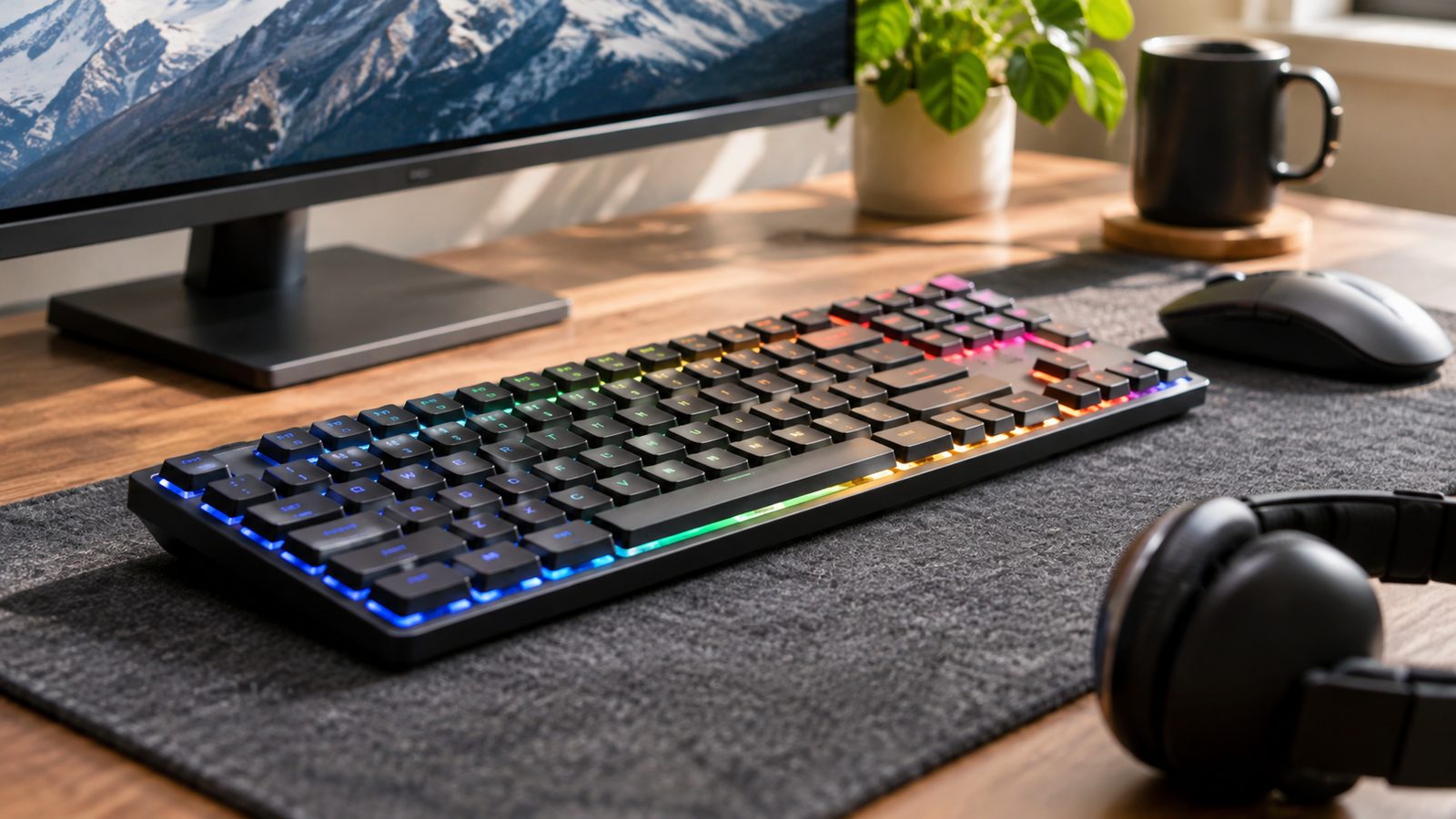
A low profile mechanical keyboard combines shorter switches with a thinner case and shallower key travel. It feels closer to a laptop keyboard than a traditional tall mechanical board. The format works especially well for compact desks, travel, office work, and gaming. Quick answer: The NuPhy Air75 V3 is our strongest all-around pick for most buyers. The Keychron K3 Max offers better value and customization. Gamers should consider Logitech’s G515 line or the NuPhy Air75 HE for faster, adjustable inputs.
Best Low-Profile Keyboards at a Glance
| Pick | Best for | Layout | Connection | Standout feature |
|---|---|---|---|---|
| NuPhy Air75 V3 | Best overall | 75% | USB-C, 2.4GHz, Bluetooth | Gasket mount and hot-swap support |
| Keychron K3 Max | Best value | 75% | USB-C, 2.4GHz, Bluetooth | QMK customization |
| Logitech G515 LIGHTSPEED | Best wireless gaming option | TKL | 2.4GHz, Bluetooth, USB-C | Thin 22 mm design |
| Logitech MX Mechanical Mini | Best for office work | Compact | Bluetooth, Logi Bolt | Multi-device productivity |
| NuPhy Air75 HE | Best competitive gaming option | 75% | Wired | Adjustable magnetic switches |
The five models cover different buyers rather than chasing one universal winner. Your layout, switch preference, wireless needs, and gaming habits matter more than small specification differences. US prices also change frequently, so compare current retailer pricing before ordering.
Key Takeaways
- Choose a 75% board for portability and desk space.
- Pick TKL if you want familiar navigation-key spacing.
- Hot-swap support matters if you expect to change switches later.
- Bluetooth suits office use, while 2.4GHz wireless usually better serves gaming.
- Magnetic switches make sense mainly for players who value adjustable actuation.
- Check switch compatibility before buying replacement switches or keycaps.
1. NuPhy Air75 V3: Best Overall
The NuPhy Air75 V3 is the most balanced option for a wide range of users. It uses an 84-key, 75% layout with a gasket-mounted design. Its aluminum top and double-shot PBT keycaps give it a more substantial build than many thin boards. It supports USB-C, 2.4GHz wireless, and Bluetooth 5.0 connections. Wired and 2.4GHz modes support a 1,000Hz polling rate. NuPhy also lists a 4,000mAh battery and hot-swappable switch support. The main drawback is the compact layout. Buyers who depend heavily on a number pad may prefer a larger model. The stock keycap design can also be less readable in dark rooms than shine-through legends. Pros
- Compact 75% layout
- Hot-swappable switches
- Three connection modes
- PBT keycaps
- Strong battery specification
Cons
- No number pad
- Compact layout needs adjustment
- Stock legends may be harder to read at night
2. Keychron K3 Max: Best Value and Customization
The Keychron K3 Max provides a strong feature set around the $100 price category. Keychron lists an 84-key layout, tri-mode connectivity, and 1,000Hz polling over wired and 2.4GHz connections. It also supports QMK-based remapping through Keychron’s software tools. Hot-swappable versions let you change compatible low-profile switches without soldering. That flexibility makes the K3 Max appealing to buyers who enjoy experimenting. Its double-shot PBT keycaps also avoid the softer feel found on many cheaper ABS sets. Switch compatibility deserves attention before purchase. Low-profile switch families are less standardized than traditional MX-style options. Replacement choices can therefore be narrower than a normal custom keyboard offers. Pros
- Good value for its feature set
- QMK-based customization
- Hot-swap options available
- Compact 75% footprint
- Windows, macOS, and Linux support
Cons
- Smaller switch ecosystem
- No number pad
- Some configurations differ in hot-swap support
If you are building a broader gaming setup, SciTechWiz’s budget gaming mouse guide covers affordable mice for different grips and play styles.
3. Logitech G515 LIGHTSPEED: Best Wireless Gaming Choice
The Logitech G515 LIGHTSPEED targets gamers who want a thin board without giving up wireless performance. Logitech uses a tenkeyless layout, leaving more mouse space than a full-size design. The chassis measures about 22 mm tall. The TKL layout also feels more familiar than many compressed 75% designs. Dedicated spacing around the arrow and navigation keys reduces accidental presses. That can matter during games and fast keyboard shortcuts. Its biggest weakness is customization compared with enthusiast-focused competitors. Buyers who want extensive switch experimentation may prefer Keychron or NuPhy. Logitech instead focuses on a simpler gaming-oriented experience. Pros
- Thin 22 mm chassis
- Familiar TKL arrangement
- Wireless gaming connection
- Mainstream software support
- More mouse space than full-size boards
Cons
- Less enthusiast customization
- No number pad
- Larger footprint than 75% models
Network performance also affects online gaming more than a keyboard upgrade can fix. SciTechWiz explains common causes in its guide to high gaming ping.
4. Logitech MX Mechanical Mini: Best for Office Work
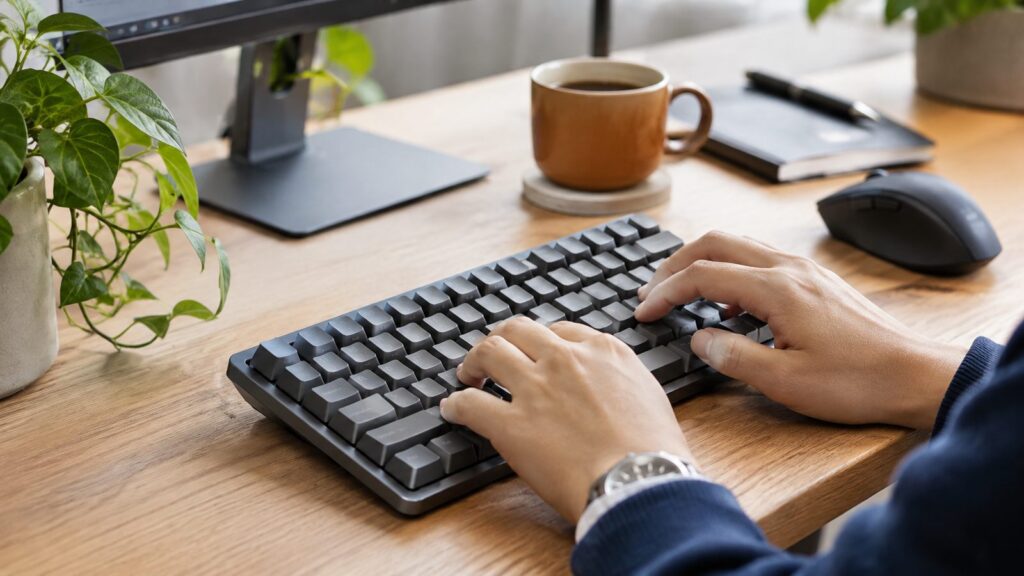
The MX Mechanical Mini suits people who switch between several computers during the day. Logitech supports pairing with multiple devices through Bluetooth. The Mac version can move between compatible Apple devices using dedicated device-switching controls. Logitech rates battery life at up to 15 days with backlighting enabled. Turning the backlighting off can extend the company’s estimate to ten months. Actual runtime still depends on lighting, usage, and connection conditions. This model prioritizes productivity over competitive gaming features. It makes more sense for writers, developers, office workers, and mixed-device users. Buyers seeking rapid-trigger technology should look elsewhere. Pros
- Strong multi-device support
- Compact office-friendly design
- Long manufacturer-rated battery life
- Quiet tactile option available
- Good Mac workflow support
Cons
- Not aimed at competitive gaming
- Limited enthusiast modification
- No dedicated number pad
Keyboard shortcuts become easier once your layout feels familiar. The SciTechWiz guides for Select All shortcuts and Redo shortcuts cover Windows, macOS, and popular applications.
5. NuPhy Air75 HE: Best for Competitive Gaming
The NuPhy Air75 HE takes a different approach with magnetic switches. These switches allow adjustable actuation rather than using one fixed activation point. The keyboard also supports an 8,000Hz wired polling rate. That flexibility mainly benefits competitive players who care about rapid key resets. It can make movement controls feel more responsive in fast games. Casual users may never use the extra tuning options. The largest compromise is wired-only operation. Buyers who prioritize a clean wireless desk may prefer the standard Air75 V3. The HE model makes sense when gaming features matter more than portability between devices. Pros
- Adjustable magnetic switches
- 8,000Hz wired polling
- Compact 75% footprint
- Multiple typing angles
- Gaming-focused input controls
Cons
- Wired only
- Advanced settings may be unnecessary for casual use
- Less suitable for multi-device office setups
How to Choose a Low Profile Mechanical Keyboard
Start with the layout because it changes your daily experience immediately. A 75% board saves space while keeping function and arrow keys. TKL models spread those keys farther apart and usually feel more familiar. Next, decide how you will connect the board. Bluetooth is convenient for laptops, tablets, and switching between devices. A 2.4GHz receiver is usually the better wireless choice for latency-sensitive gaming. Switch type comes next. Linear switches move smoothly, while tactile switches provide a noticeable bump. Magnetic switches add adjustable actuation but usually cost more and target gaming. Finally, check the replacement ecosystem before buying. Low-profile switches and keycaps do not share one universal standard. A hot-swappable socket still requires compatible low-profile parts.
Low Profile Versus Standard Mechanical Keyboards
Slim boards reduce total height and usually shorten key travel. That design can feel more natural for people accustomed to laptops. It also makes compact models easier to carry between locations. Traditional mechanical boards usually offer a much larger switch and keycap ecosystem. They can also provide deeper key travel and more case options. Enthusiasts who customize every component may prefer the traditional format. Neither design is automatically more ergonomic. Comfort depends on desk height, wrist position, typing technique, and personal preference. A thinner keyboard can reduce wrist extension for some users.
Our Verdict
For most US buyers, the NuPhy Air75 V3 offers the strongest balance of size, connectivity, customization, and typing features. Its 75% layout works for both productivity and gaming. Hot-swap support also gives it room to adapt later. Choose the Keychron K3 Max if value and customization matter more. Pick the Logitech G515 LIGHTSPEED for a familiar wireless gaming layout. Competitive players should consider the Air75 HE when adjustable actuation is a priority. Office users have a different set of needs. The MX Mechanical Mini is easier to recommend for multi-device productivity than competitive gaming. Your daily workload should guide the final choice.
Frequently Asked Questions
Is a low profile mechanical keyboard better than a normal keyboard?
It can be better if you prefer shorter travel and a thinner typing position. Laptop users often adapt quickly to the reduced height. Traditional boards remain better for buyers wanting the broadest customization options.
Are low-profile keyboards good for gaming?
Yes, many current models support low-latency wired or 2.4GHz connections. Some gaming versions also use magnetic switches and adjustable actuation. Your connection type and switch behavior matter more than case height alone.
Do low-profile keyboards need a wrist rest?
Many users can type comfortably without one because the front edge sits lower. Your desk height and wrist position still matter. Add a rest only when it improves your neutral hand position.
Can you replace low-profile mechanical switches?
Some boards support hot-swapping, but compatibility varies between switch families. Standard-height MX switches usually cannot replace low-profile switches directly. Always check the manufacturer’s compatibility list before ordering replacements.
Are low-profile keyboards quieter?
They can sound quieter, but the design alone does not guarantee low noise. Switch type, case material, stabilizers, keycaps, and typing force all influence sound. Silent switch options are available on some current models.
Which layout should most people buy?
A 75% layout is a useful balance between compact size and everyday functionality. TKL works better if you prefer separated navigation keys. Full-size models remain practical for frequent spreadsheet or number-entry work.
Final Buying Checklist
Before ordering, choose your preferred layout and connection type. Confirm the switches match your typing or gaming preferences. Then check current US pricing, warranty coverage, and replacement-part availability. For most buyers, start with the Air75 V3 and compare alternatives against your specific needs. Pick the K3 Max for customization or the G515 for wireless gaming. The right slim board should fit your workflow before it fits a specification sheet. —