


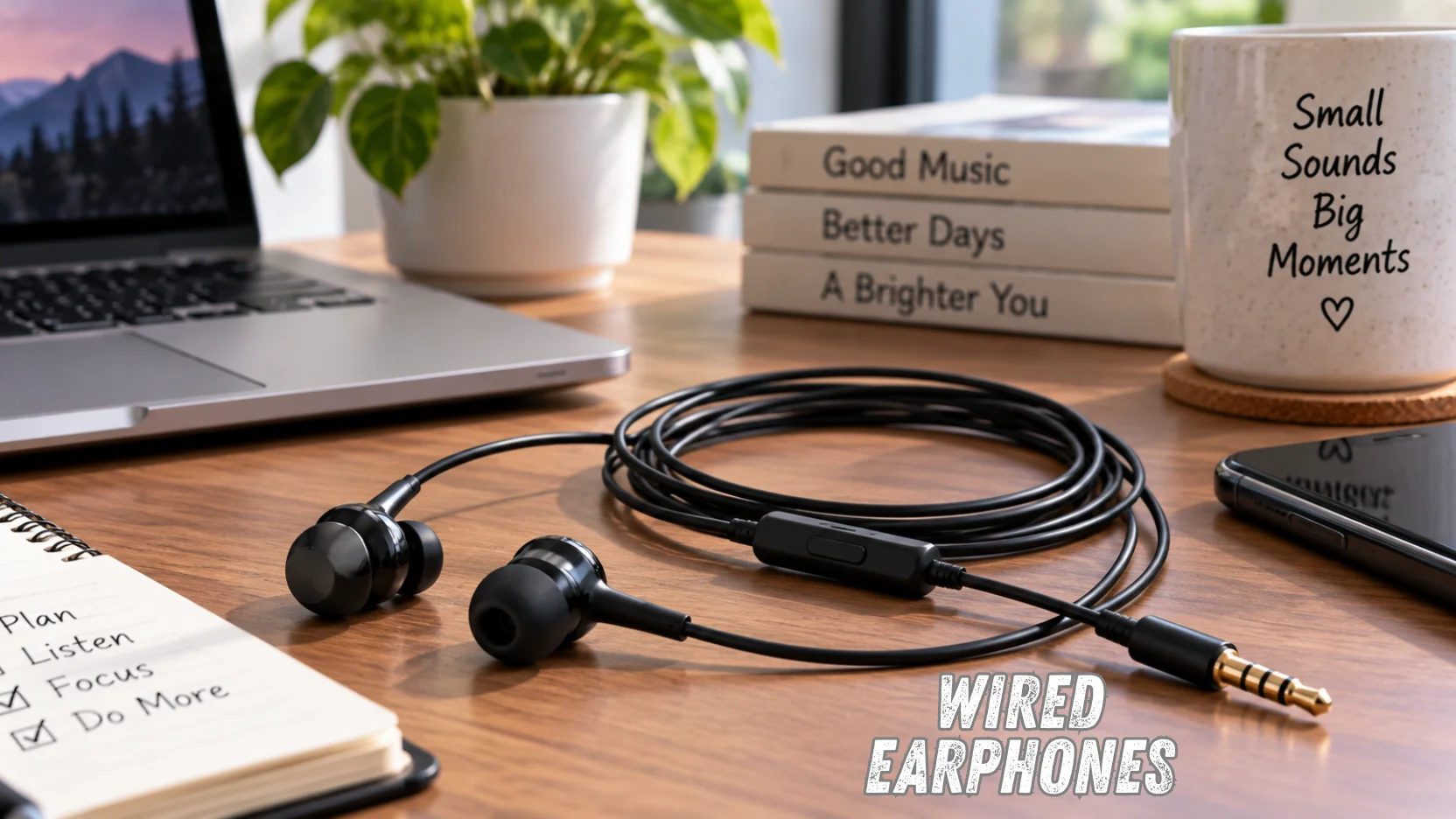
Wired earphones are still a smart buy in 2026 if you care about plug-and-play reliability, low latency, and never having to charge your audio gear. The right pair depends less on brand hype and more on connector type, fit, tuning, microphone quality, and how you plan to use it. U.S. shoppers should first check whether their main phone, tablet, laptop, or gaming device accepts 3.5mm, USB-C, or an older Lightning connection.
| What to check | Why it matters | Good starting point |
|---|---|---|
| Connector | Determines whether the pair works with your device | USB-C for many newer phones; 3.5mm for compatible laptops, PCs, and older devices |
| Fit | Affects comfort, bass response, and outside-noise isolation | Choose multiple ear-tip sizes when possible. |
| Sound | Tuning matters more than simply having a cable. | Balanced sound works well for mixed everyday listening. |
| Microphone | Important for calls, meetings, and gaming chat | Look for an inline mic with controls. |
| Cable | Often the first physical failure point | Reinforced strain relief or a replaceable cable can help |
| Use case | Gaming, commuting, calls, and music have different priorities. | Buy for your main activity, not the longest feature list. |
Quick answer
For most buyers, start with the connector your main device already has, then choose fit, sound, mic quality, and cable durability. Pick 3.5mm for broad legacy compatibility, USB-C for newer phones and tablets, and Lightning only for older Apple hardware. Spend more when better drivers, replaceable cables, or stronger isolation matter to you.
Key takeaways
- Check your device port before comparing brands or driver specifications.
- Wired audio can reduce charging hassles and usually offers predictable latency.
- A cable does not automatically guarantee better sound than a wireless model.
- Fit and ear-tip seal can change both comfort and perceived bass response.
- USB-C is increasingly practical for phones that no longer have a headphone jack.
- Safer listening habits matter regardless of whether your audio gear is wired or wireless.
Why Wired Earphones Still Make Sense in 2026
A cable solves several practical problems that Bluetooth creates. You do not have to pair devices, monitor another battery, or worry about a wireless connection dropping during a call or gaming session. Wired connections also remain attractive when low, predictable latency matters, which is one reason they still have a place alongside modern wireless models.
Sound quality needs a little more nuance than many buying guides suggest. A wired connection does not automatically make a poorly tuned pair sound better than a well-designed wireless model, because drivers, tuning, source material, fit, and listening conditions all matter. Current audio testing guidance also points out that the cable itself is only one part of the final listening experience.
Start With the Connector on Your Main Device
Buying the wrong plug is one of the easiest ways to waste money on audio gear. A standard 3.5mm plug remains useful with many computers, game controllers, audio interfaces, and older devices, while USB-C has become common on newer phones and tablets. Apple also confirms that its USB-C EarPods require a device with a USB-C connector, while its 3.5mm version works with products carrying a standard headphone jack.
| Connector | Main advantage | Main drawback | Best suited to |
|---|---|---|---|
| 3.5mm | Broad compatibility with traditional audio outputs | Many newer phones lack the port. | PCs, controllers, audio gear, older phones |
| USB-C | Direct fit for many newer mobile devices | Compatibility can vary between products. | Modern phones, tablets, and USB-C laptops |
| Lightning | Direct connection to compatible older Apple hardware | Limited usefulness outside that ecosystem | Older Lightning-based iPhones and iPads |
| 3.5mm plus adapter | Let one pair work with more devices. | Adds another small item to carry | Buyers who switch between several devices |
USB-C deserves extra attention because the connector shape alone does not tell you everything about audio compatibility. The device and the electronics inside the earbuds can affect whether a particular combination works as expected, so checking the manufacturer’s compatibility list is safer than assuming. If you are also comparing devices, SciTechWiz has a Pixel 7 and Pixel 7a comparison that can help you consider the broader phone-buying decision.
Laptop and tablet users may have more flexibility because some devices offer multiple connection options. For example, SciTechWiz also covers connectivity and everyday use in its Google Pixel Slate M3 guide. Checking your current hardware before shopping can save you from buying an adapter or replacing an otherwise good pair.
Choose Sound and Fit Before Chasing Specifications
Driver size, frequency-response numbers, and technical labels can look impressive on a product page, but they do not tell you whether you will enjoy the tuning. A secure seal often matters more in daily use because it affects outside-noise isolation and how much bass you hear. If a model includes several silicone or foam tip sizes, take the time to find the pair that fits securely without causing uncomfortable pressure.
When comparing options, focus on a few traits that affect daily listening:
- Balanced tuning: A useful choice for podcasts, mixed music genres, videos, and calls.
- Bass-forward tuning: Better suited to listeners who prefer stronger low frequencies.
- Clear mids: Helpful for speech, vocals, podcasts, and online meetings.
- Good passive isolation: Useful for commuting and other moderately noisy spaces.
- Comfortable tips: Important if you listen for more than a few minutes at a time.
- Low cable noise: Helpful when walking, exercising, or moving around a desk.
Open-style earbuds and sealed in-ear designs also behave differently. An open design can feel less intrusive and makes surrounding sounds easier to hear, while a sealed tip usually provides stronger passive isolation when it fits correctly. Neither design wins for everyone, so comfort and environment should guide the choice.
Which Type Should You Buy?
The broad category matters more than chasing one universal winner. Current 2026 buying guides span basic wired buds, USB-C models, professional-style in-ear monitors, and specialized gaming products, each solving a different problem. Choosing the category first makes it easier to judge whether a higher price brings a benefit you will use.
| Type | Pros | Cons | Best for |
|---|---|---|---|
| Basic 3.5mm earbuds | Affordable, simple, widely compatible | May need an adapter with newer phones | Backup pairs, PCs, controllers |
| USB-C earbuds | Convenient with newer mobile hardware | Device compatibility deserves checking. | Phone calls, commuting, mobile listening |
| Detachable-cable IEMs | Cable can often be replaced; many tuning choices | Fit can take more adjustment. | Music-focused listeners |
| Gaming earbuds with mic | Compact and useful for voice chat | Mic and sound quality vary widely. | Console, PC, and mobile gaming |
| Open-style wired buds | Easy fit for people who dislike sealed tips | Limited isolation in noisy places | Calls and casual listening |
Our recommendation: choose a straightforward USB-C pair with an inline microphone if your main device is a newer phone with USB-C. Choose 3.5mm if you regularly move between computers, controllers, amplifiers, and other traditional audio hardware. If sound quality and long-term serviceability matter more, consider an in-ear monitor with a replaceable cable rather than paying for features you will not use.
Check the Microphone Before Buying for Calls or Gaming
A good pair of headphones is not automatically a good meeting or gaming headset. If you spend hours on Zoom, Discord, phone calls, or multiplayer chat, microphone placement and speech clarity deserve as much attention as the drivers. Inline controls are also useful because they let you mute, answer calls, change volume, or control playback without reaching for your device.
Gamers should also consider cable length and connector layout. A short mobile cable can become annoying at a desktop, while a long cable may create clutter when connected to a controller. If your PC separates microphone and headphone jacks, you may also need a compatible splitter for a four-pole headset plug.
Look at Cable Durability and Repairability
The cable is one of the parts that receives the most physical stress during normal use. Repeated bending near the plug, stuffing the cord into a pocket, and pulling the pair out by its cable can shorten its life. Reinforced strain relief around the connector and earpieces is therefore more useful than cosmetic metal trim.
A detachable cable can make sense on more expensive in-ear monitors because a damaged cord does not always mean replacing the whole set. Fixed cables can still last for years when handled carefully, but they leave fewer repair options if a channel eventually cuts out. Store the pair loosely coiled instead of wrapping the cable tightly around your phone or hand.
Wired vs. Wireless: Which Is Better for You?
Wireless earbuds win in freedom of movement, pocket convenience, and features like active noise cancellation on many premium models. Wired models answer with no charging requirement, straightforward connections, and strong value for buyers who do not need a wireless feature set. The better choice depends on how you listen, not on any one format being universally superior.
You may even want both formats for different situations. A wireless pair can work well for workouts and commuting, while an inexpensive wired backup can be useful for calls, travel, gaming, or moments when batteries are dead. If your wireless option develops connection problems, SciTechWiz’s AirPods Pro reset guide covers one common troubleshooting route for Apple users.
Protect Your Hearing While You Listen
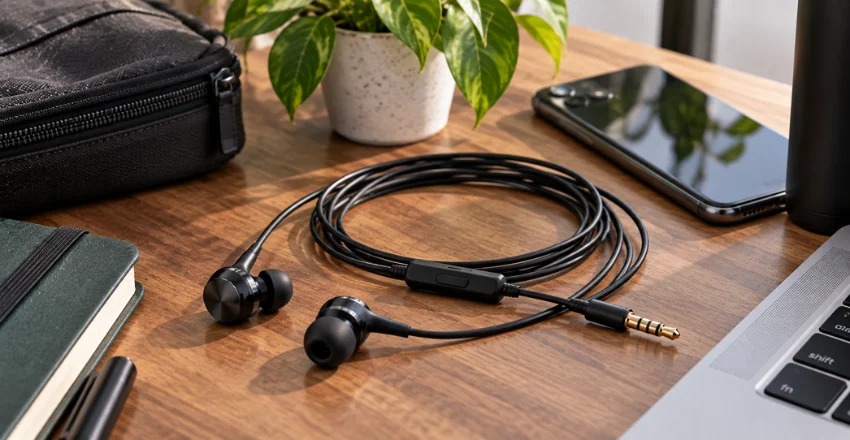
The connection type does not determine whether listening is safe. The National Institute on Deafness and Other Communication Disorders says long or repeated exposure at or above 85 dB A can cause hearing loss, while headphones at maximum volume can reach much higher levels. Risk increases as sound becomes louder and exposure lasts longer.
Keep the volume lower when possible, especially during long listening sessions. The World Health Organization advises keeping personal device volume below about 60% of maximum and taking listening breaks, while noting that the actual risk depends on sound level and duration. Persistent ringing, muffled hearing, or difficulty understanding speech after exposure to loud noise deserves professional attention.
Common Buying Mistakes to Avoid
A little checking before purchase prevents most compatibility problems. Product listings can put attention on driver counts and marketing terms while hiding practical details such as plug type, cable length, tip sizes, or microphone support. Read the specifications with your actual device and daily routine in mind.
- Buying USB-C audio without checking device compatibility.
- Assuming every wired model sounds better than every Bluetooth model.
- Choosing a sealed fit without trying different tip sizes.
- Ignoring microphone quality when calls are a major use case.
- Paying extra for audiophile features when the pair is only a backup.
- Buying a short cable for a desktop or console setup.
- Ignoring strain relief and cable construction on a daily-use pair.
The Bottom Line
The best wired earphones for you are the ones that fit your device, ears, and main use case without making you pay for unnecessary extras. Check the connector first, then compare comfort, tuning, microphone performance, cable construction, and repairability. Before you buy, use the tables above to narrow your choice to the connection type and category that match the gear you already own.
Frequently Asked Questions
They are better for some priorities, but not all. A wired connection avoids charging and can provide predictable latency, while wireless models offer more freedom of movement and often include advanced convenience features. Sound quality depends on the individual product, fit, tuning, source, and listening environment rather than the presence of a cable alone.
You should not assume universal compatibility based solely on the connector’s shape. USB-C audio products can vary depending on the device and the electronics inside the accessory, so the manufacturer’s compatibility list is the safest reference. Apple, for example, specifies USB-C hardware as a requirement for its USB-C EarPods.
They can provide excellent sound, but a cable does not guarantee better audio. Driver quality, tuning, fit, the source file, and your surroundings can have a larger effect on what you hear. A well-designed wireless model can therefore outperform a poorly designed wired one.
They can be used safely when listening levels and exposure times stay reasonable. Hearing risk comes mainly from excessive sound volume and duration rather than from whether the signal arrives through Bluetooth or a cable. Lowering the volume and taking breaks are practical ways to reduce your exposure.
Cable damage near the plug or earpiece is a common cause, although debris, a damaged device port, or a poor connection can produce similar symptoms. Test the pair with another compatible device before deciding that the earbuds themselves have failed. A detachable-cable model can also make it easier to replace a damaged cord on higher-priced in-ear monitors.