


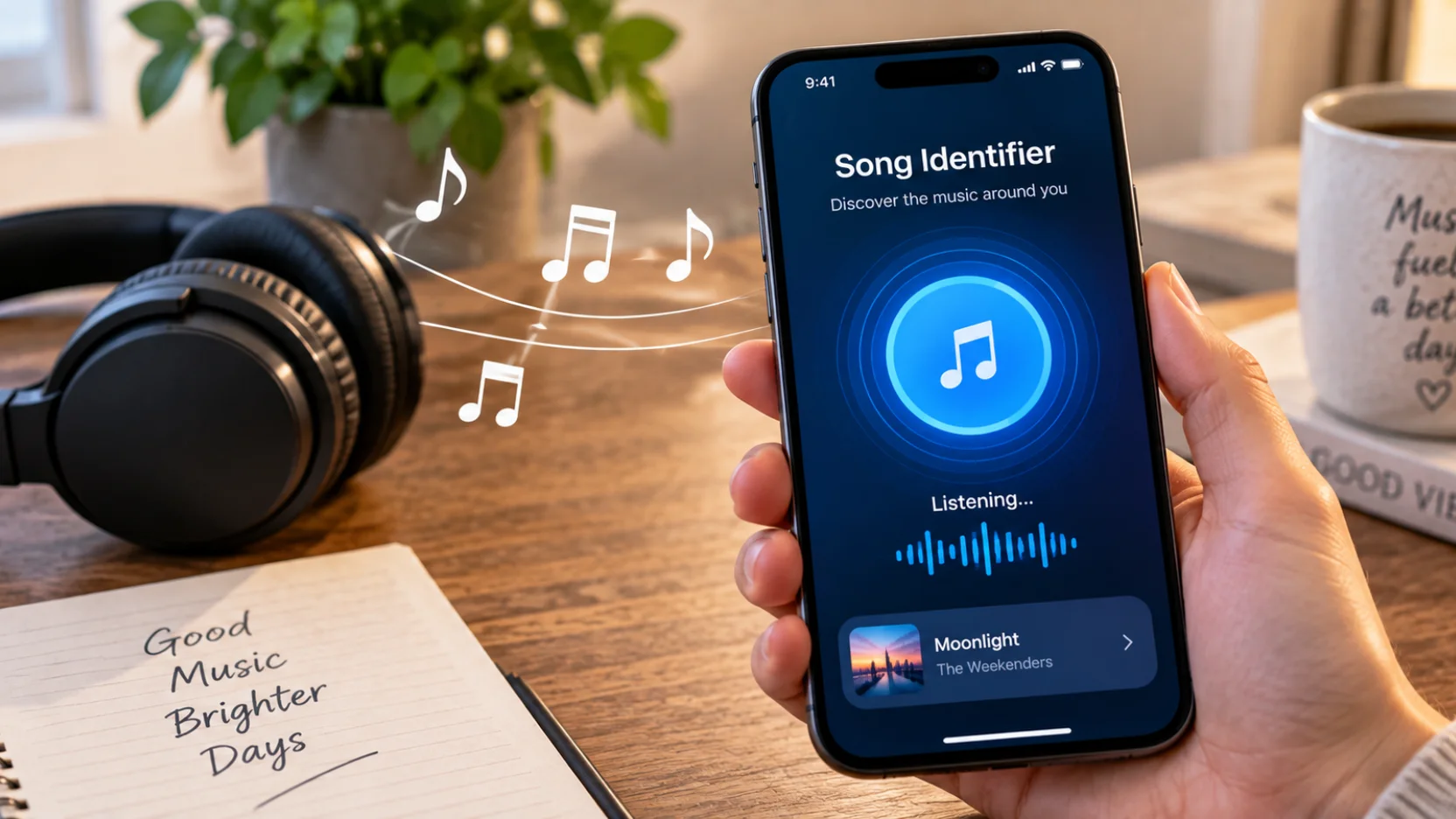
You hear a track in a store, a TikTok clip, a movie, or someone’s car, but you have no idea what it is. A song identifier can match recorded music, while other search methods can work from humming, lyrics, or a video link. The fastest approach depends on what part of the music you still have available.
Quick answer: If music is playing, start with Shazam or Google Song Search. If you remember only the melody, use Google’s “Search a song” or SoundHound. For lyrics, search a distinctive phrase in quotes. For social-video clips, try Shazam’s in-app recognition or a browser tool that accepts video links.
| Song Identifier | Best first method | Good alternative | Main advantage |
|---|---|---|---|
| Song playing nearby | Shazam | Google Song Search | Fast recognition from recorded music |
| Melody in your head | Google Search for a song. | SoundHound | Works with humming or singing |
| A few lyrics | Google lyric search | Music or lyrics databases | No audio required |
| TikTok, YouTube, or Instagram audio | Shazam in-app recognition | Browser-based audio finder | Can work without another speaker |
| Saved audio or video file | Browser recognition tool | Play it for Shazam. | Useful on a computer |
| Noisy or altered recording | Try a cleaner section. | Lyrics or humming | Gives you a second route to the title |
Key Takeaways
Match your search method to the clue you have instead of trying the same app repeatedly.
Shazam is a strong first choice when the original recording is playing.
Google and SoundHound are useful when you need to hum or sing the melody.
Distinctive lyrics can succeed when audio recognition fails.
Social-video audio may be easier to identify inside the phone than through its microphone.
Covers, remixes, sped-up edits, and live performances can make automatic matching harder.
Always verify the artist and version before assuming the first result is correct.
How a Song Identifier Works
Most recognition tools use acoustic fingerprinting when the original recording is available. The software analyzes distinctive parts of the audio and converts them into a compact representation it can compare with known recordings. A close database match can then return information such as the track title and artist.
Humming creates a different problem because your voice does not reproduce the original studio recording. Melody-search systems instead look for patterns involving pitch, rhythm, and the shape of the tune. This difference explains why the right tool for a song playing on a speaker may not be the right tool for a melody stuck in your head.
Which Song-Finding Method Should You Use?
Choosing by device alone can send you toward the wrong feature. Start by asking whether you have the actual recording, a melody, written words, or a video containing the music. That simple decision can save several failed searches.
1. Use Shazam When the Original Song Is Playing
Shazam is a practical first choice when you can hear the commercial recording. Apple says the app can identify music playing around you and audio playing inside apps such as TikTok, YouTube, and Instagram. On supported Apple devices, Shazam Music Recognition is also available through system features such as Control Center.
This makes Shazam especially useful when the mystery track is still playing. Let it listen to a clear section with prominent music instead of a quiet intro or speech-heavy moment. If your phone has audio problems that prevent normal playback, SciTechWiz’s Windows audio troubleshooting guide can help when the source is a PC.
2. Use Google When You Can Hum, Whistle, or Sing
Google offers a better starting point when you no longer have the recording. Its Search a song feature can listen to music, humming, whistling, or singing and return possible matches. Google’s Android instructions direct users to open the Google app, tap the microphone, select “Search a song,” and provide the melody.
Try the chorus or another recognizable hook instead of two or three isolated notes. Keep the tempo steady and give the service enough melody to compare against possible songs. Treat the returned titles as candidates, then listen to them before choosing the correct track.
3. Try SoundHound for a Melody You Remember
SoundHound is another useful choice for music you can sing or hum. Its support documentation says the app works with music you hear, sing, or hum and recommends providing at least ten seconds for singing or humming searches. Keeping other voices quiet during the attempt can also improve the input.
That makes SoundHound a sensible second attempt when a melody search produces poor results elsewhere. You do not need perfect singing, but a steady rendition of the main hook gives the service more usable information. Trying a different section of the tune can also help when the first phrase is too generic.
4. Search the Lyrics When Audio Recognition Fails
A few unusual words can be more useful than a poor recording. Type the most distinctive lyric fragment you remember inside quotation marks, then add terms such as “song” or “lyrics” if the first results are unrelated. Avoid relying on common phrases such as “I love you” because they appear in too many tracks.
Check several words together whenever possible. Misheard lyrics are common, so try plausible alternatives if the exact phrase returns nothing useful. Once you find a likely track, compare the chorus, performer, and release version before considering the search finished.
5. Identify Music From TikTok, YouTube, or Instagram
Social media clips create a common problem because the sound may be playing on the same phone you want to use for recognition. Apple documents that Shazam can identify music playing inside apps, including TikTok, YouTube, and Instagram, which removes the need to play the clip through another device. Browser tools such as AHA Music also offer options to record audio, upload a file, or submit supported video links.
Start by checking the social platform’s audio label, since creators sometimes attach the correct song directly. If that information is missing or says “original audio,” try recognition on a section where the music is louder than the voiceover. A browser-based URL or file tool can be a useful fallback when you can’t capture the audio cleanly through your microphone.
Shazam vs. Google vs. SoundHound vs. Browser Tools
No single service is ideal for every mystery track. The biggest difference is the type of input each option handles well, rather than a universal accuracy ranking. Use this comparison to choose a first attempt instead of installing several apps at random.
| Method | Best input | Humming | Good for in-app/video audio | Installation |
|---|---|---|---|---|
| Shazam | Original recorded song | Not its main use | Yes, on supported workflows | App or built-in Apple features |
| Google Search a song | Recording or remembered melody | Yes. | Better when the audio is clear. | Google app |
| SoundHound | Recording, singing, or humming | Yes. | Mainly microphone-based use | App |
| AHA Music | Recording, file, or video URL | Offered by the service | Yes, for supported inputs | Browser option available |
Shazam should usually be your first move when a released recording is playing. Google or SoundHound makes more sense when you have only the tune in your memory. Browser recognition tools are more useful when you have a saved clip, computer audio, or a public video link.
How to Get Better Song Recognition Results
Recognition often fails because the input is difficult, not because the track is impossible to find. Voiceovers, crowd noise, short clips, remixes, and heavily changed playback speeds can hide the features a matching system needs. A second attempt with better source material can produce a different result.
Try these fixes in order:
Choose a clearer section. Use a chorus or instrumental passage where speech and sound effects are limited.
Give the tool more audio. A meaningful musical phrase provides more information than a two-second fragment.
Reduce background noise. Move closer to the source or lower other sounds around you.
Try another input method. Switch from recording recognition to humming, lyrics, or a video-link search.
Check the exact version. The match may be a cover, remix, live recording, sample, or sped-up edit.
Use a second service. Different databases and matching systems may return different candidates.
Verify the result. Compare the chorus, artist, lyrics, and recording before saving the track.
Your listening hardware can affect how easily you capture and verify the result. Readers comparing connectors or listening setups can use SciTechWiz’s wired earphones guide for practical information about USB-C, 3.5mm, fit, and device compatibility. If AirPods are failing to connect during playback, the site also has a guide to resetting AirPods Pro.
Why Some Songs Are Hard to Identify
Acoustic fingerprinting works best when the audio resembles a recording already represented in the service’s catalog. A concert performance, homemade cover, mashup, aggressive remix, or heavily altered social media edit may sound different enough to complicate a match. An unreleased recording may also lack the database entry required for direct identification.
Background speech creates another obstacle because the music may occupy only part of the available audio. Instead of repeating the same noisy section, move to a part with stronger instrumentation or clearer vocals. If no clean recording exists, use remembered lyrics or reproduce the melody through a humming search.
Does Song Recognition Affect Privacy?
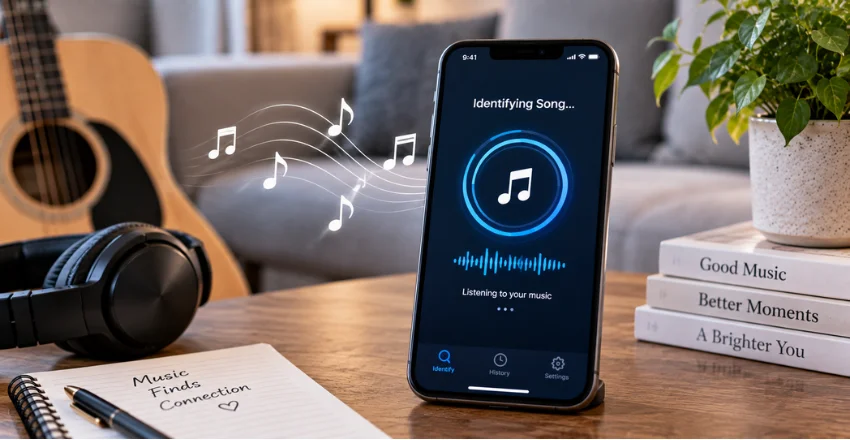
Microphone-based services need access to audio while they attempt recognition, so check the permissions and privacy terms of the tool you choose. Apple states that Shazam does not record or store the audio it detects and says Apple does not have access to audio captured on the device for this purpose. Other services have their own policies, so check their handling of recordings or uploaded files separately.
Be especially careful with browser tools that require you to upload a recording or submit a link. Review what the service says about storage, account requirements, and deletion before submitting personal recordings. A public music clip carries different privacy considerations from a private voice memo or video.
Identifying a Song Does Not Give You Usage Rights
Finding a track’s name answers an identification question, not a copyright question. The recording and musical composition can still be protected even if a recognition service gives you the title instantly. Using that music in a monetized video, advertisement, podcast, game, or other publication may require separate permission or licensing.
This distinction matters for creators who identify background music from social media or another video. Confirm the rights attached to the recording before reusing it in your own project. Recognition tells you what the music is, while licensing determines how you may use it.
Your Next Step
Start with the clue you have, not the device you own. Open a song identifier for a playing recording, switch to Google or SoundHound for a remembered melody, and search distinctive lyrics when neither audio method works. Using the right input first gets you from an unknown sound to a track you can verify and save.
Frequently Asked Questions
What is the best song identifier for music playing right now?
Shazam is a strong first option when the original recording is playing because it is designed for recorded-music recognition. Google Song Search is another useful option when your device can hear the track clearly. If neither produces a convincing result, try a cleaner section or search for distinctive lyrics.
Can I find a song by humming it?
Yes, Google’s Search a song feature accepts humming, whistling, and singing, while SoundHound also supports hum-based searches. Try to provide a recognizable section rather than a few isolated notes. SoundHound recommends at least 10 seconds of humming or singing.
How can I identify a song without knowing any lyrics?
Use recorded-audio recognition if the music is still available, or hum the melody if you remember it. Google and SoundHound both offer options that do not require you to know the words. Details such as where you heard the song, its genre, or the approximate decade can help with manual searching if automatic tools fail.
Can I identify a song from a YouTube or TikTok video?
Yes, as long as the music can be captured or accessed by the recognition method you choose. Apple documents Shazam recognition for audio playing in apps such as YouTube and TikTok, while some browser services accept video links or files. Use a section where the music is clear and check whether the creator already credited the audio.
Why does music recognition give me the wrong version?
The service may recognize the underlying song without identifying the exact remix, live performance, cover, or edited social version you heard. Similar recordings can also make the first candidate misleading. Compare the artist, arrangement, vocals, release details, and chorus before saving the result.
Playing a recording: try Shazam first.
Humming or singing: try Google or SoundHound.
Video or saved clip: try in-app recognition or a browser-based file/link tool.